For iPhone and iPad · Free to start
Count reps without watching.
RepTally counts every rep to your tempo, with a beep and a buzz on each one. Then it runs your rest and starts the next set. Your eyes stay on your form, not your phone.
- The rep counter is free
- No account
- No ads
Set your tempo. Put the phone down.
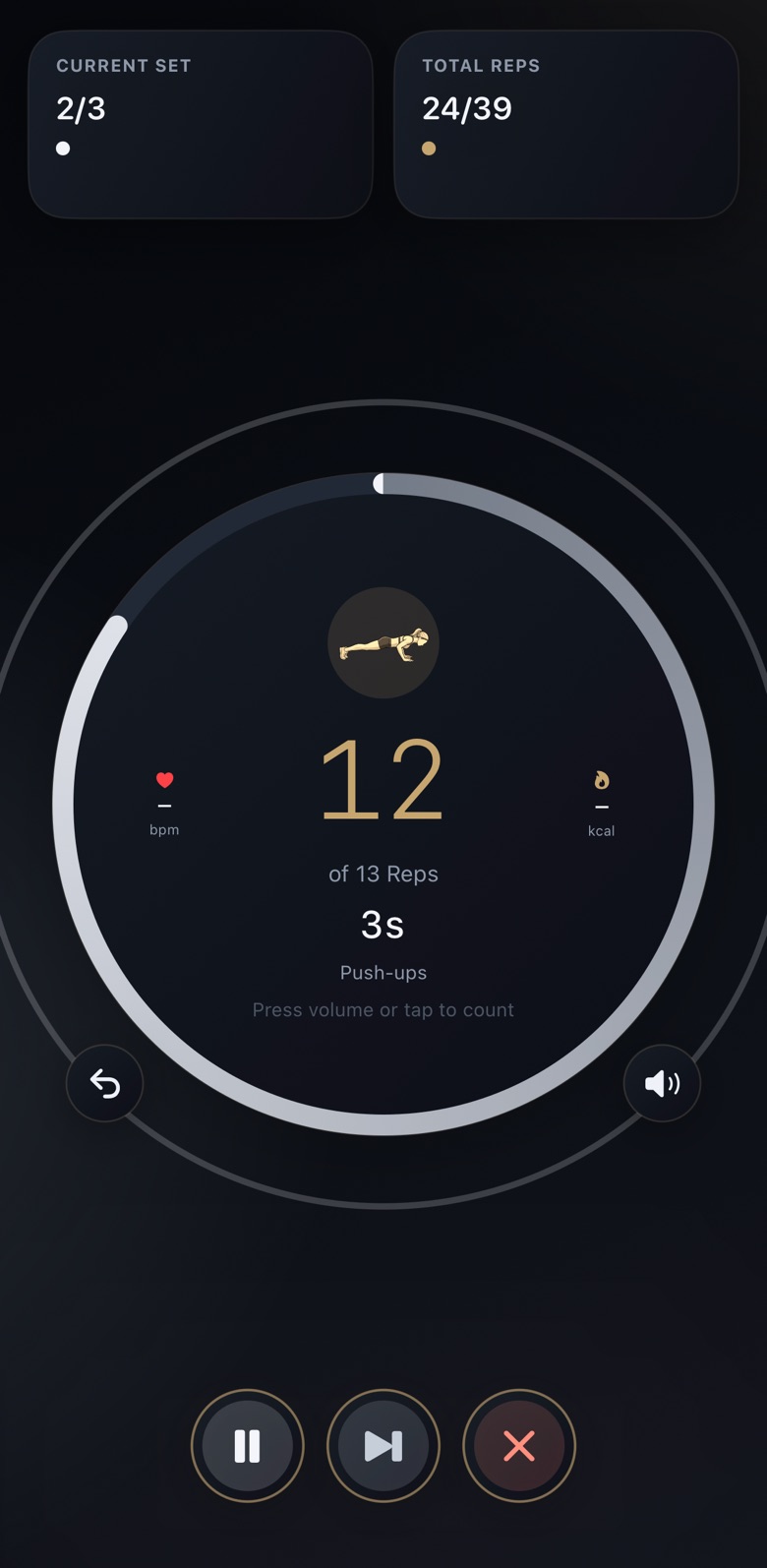
Pick an exercise, your reps, sets and rest, and how many seconds each rep takes. Hit start and prop the phone up. RepTally marks every rep with a beep and a haptic, so you train by sound and feel.
- Rest runs itself. The ring counts down between sets and warns you in the last five seconds.
- The next set starts on its own when rest ends. Prefer to start each one yourself? One switch in Settings.
- Manual control is there if you want it. Turn on tap-to-count or volume-button counting to log a rep early.
Your session, your structure.
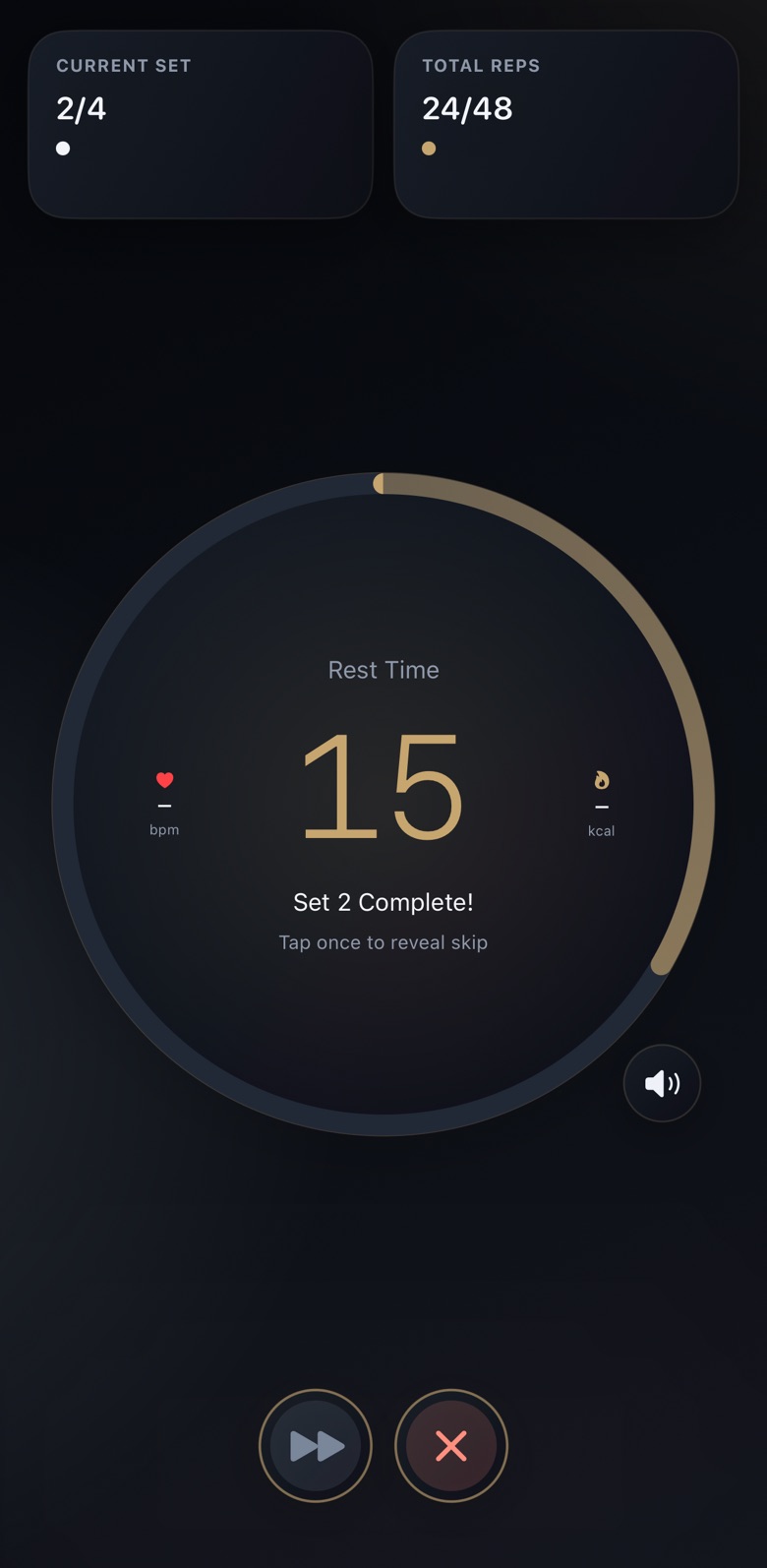
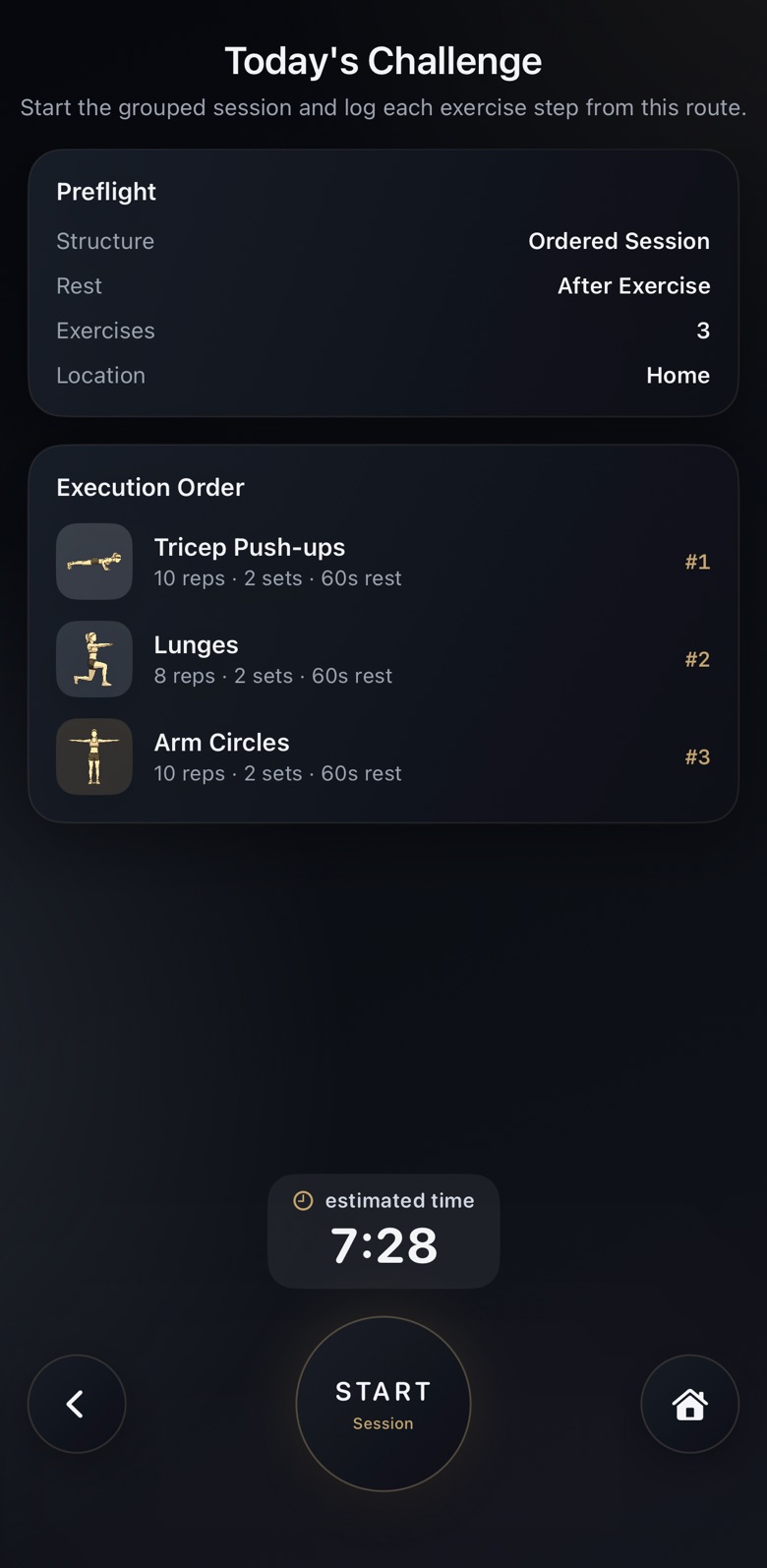
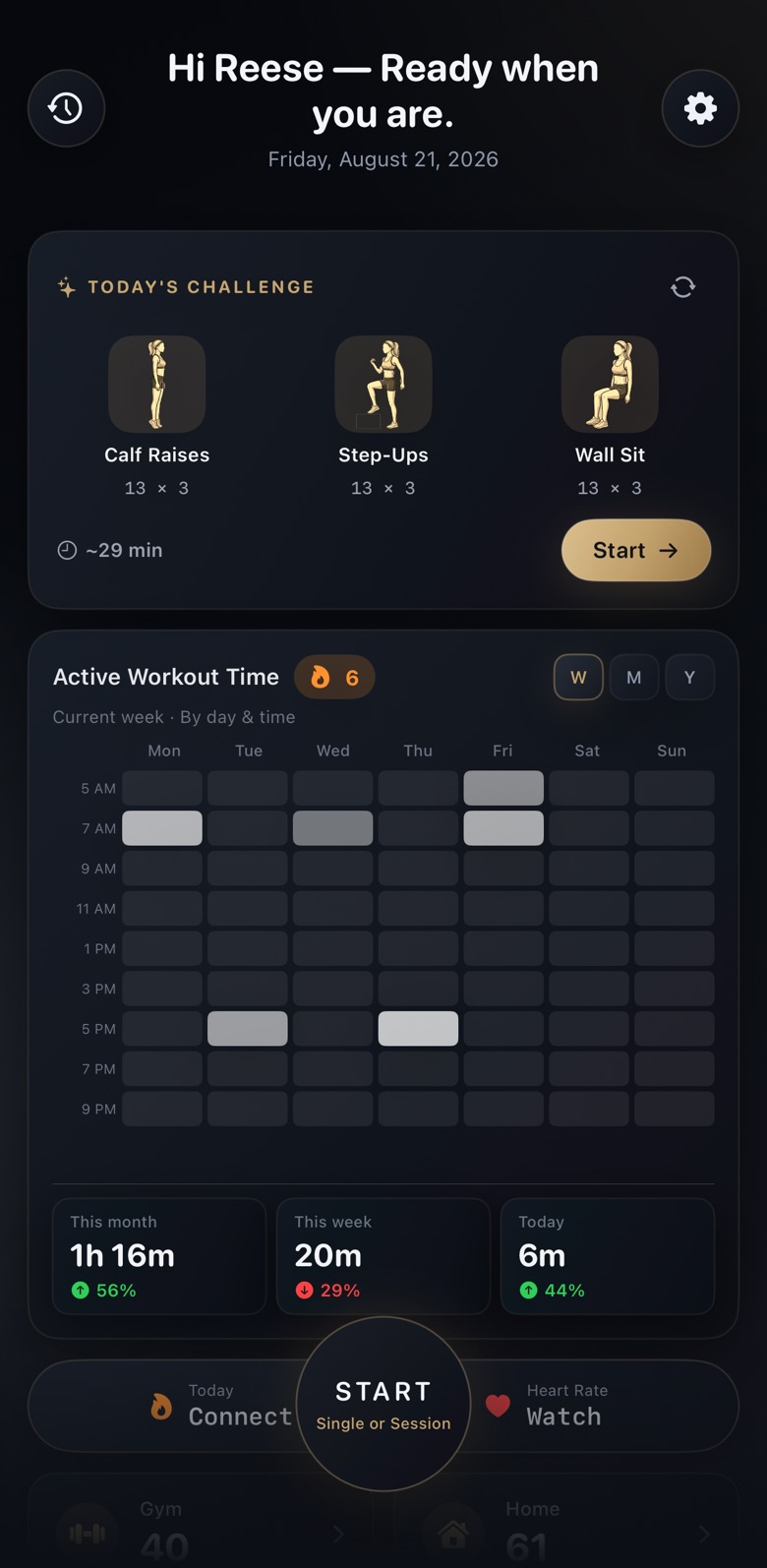
Chain exercises into one session and let RepTally run the whole thing, or take the challenge it builds for you each morning.
- Session BuilderPRO Ordered flows or full-round circuits, with rest after each exercise or after each round.
- Daily ChallengePRO Three exercises tuned to your goal, recovery and the equipment you have.
- Saved sessionsPRO Store your routines and run them again in a tap.
- Quick Start for everyone: any exercise, any reps, right now.
Watch your numbers climb.
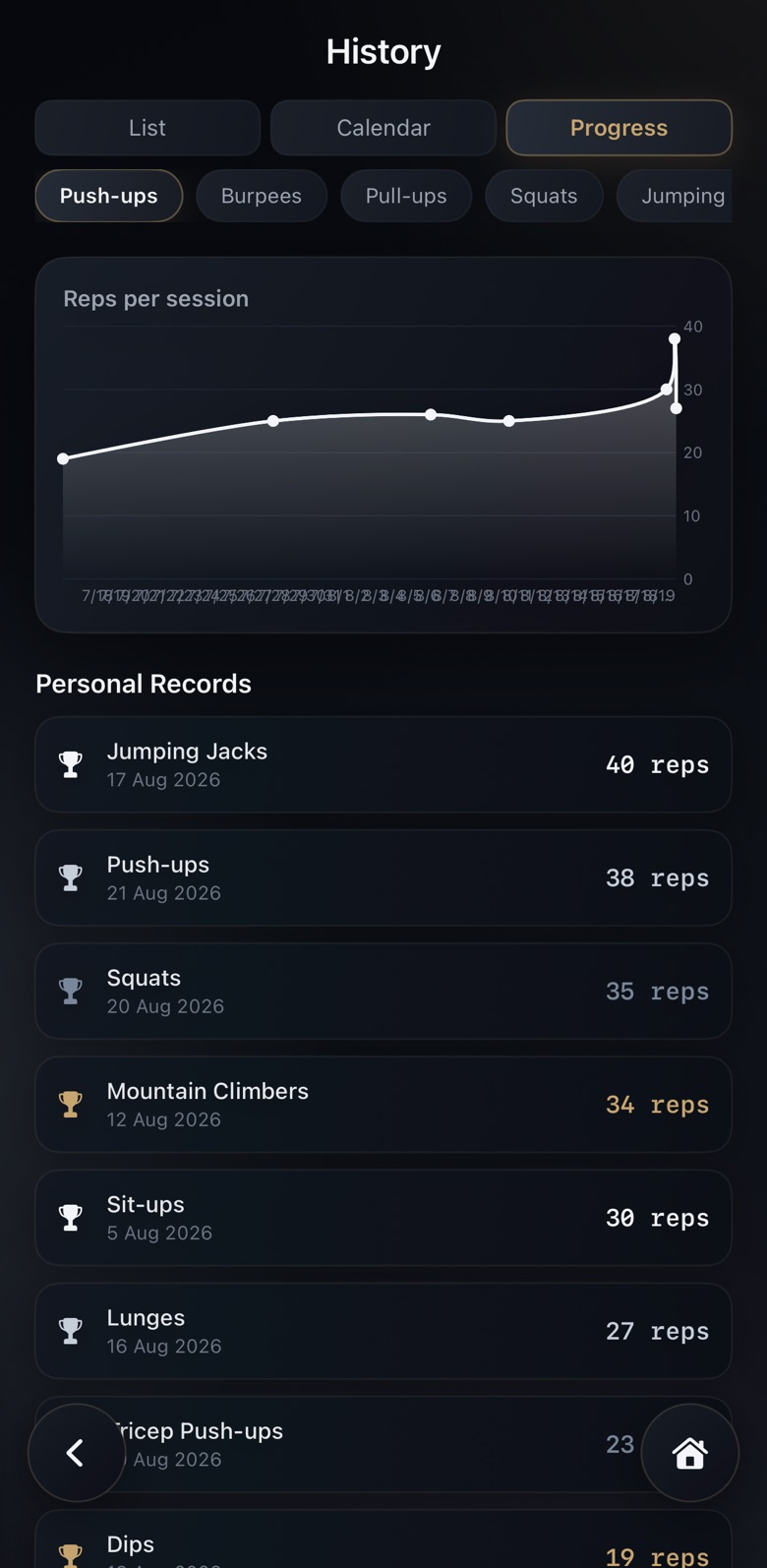
Every set lands in your history the moment you finish it. Personal records update on their own, so you always know the number to beat.
- Full history and personal records, free
- Progress charts for every exercisePRO
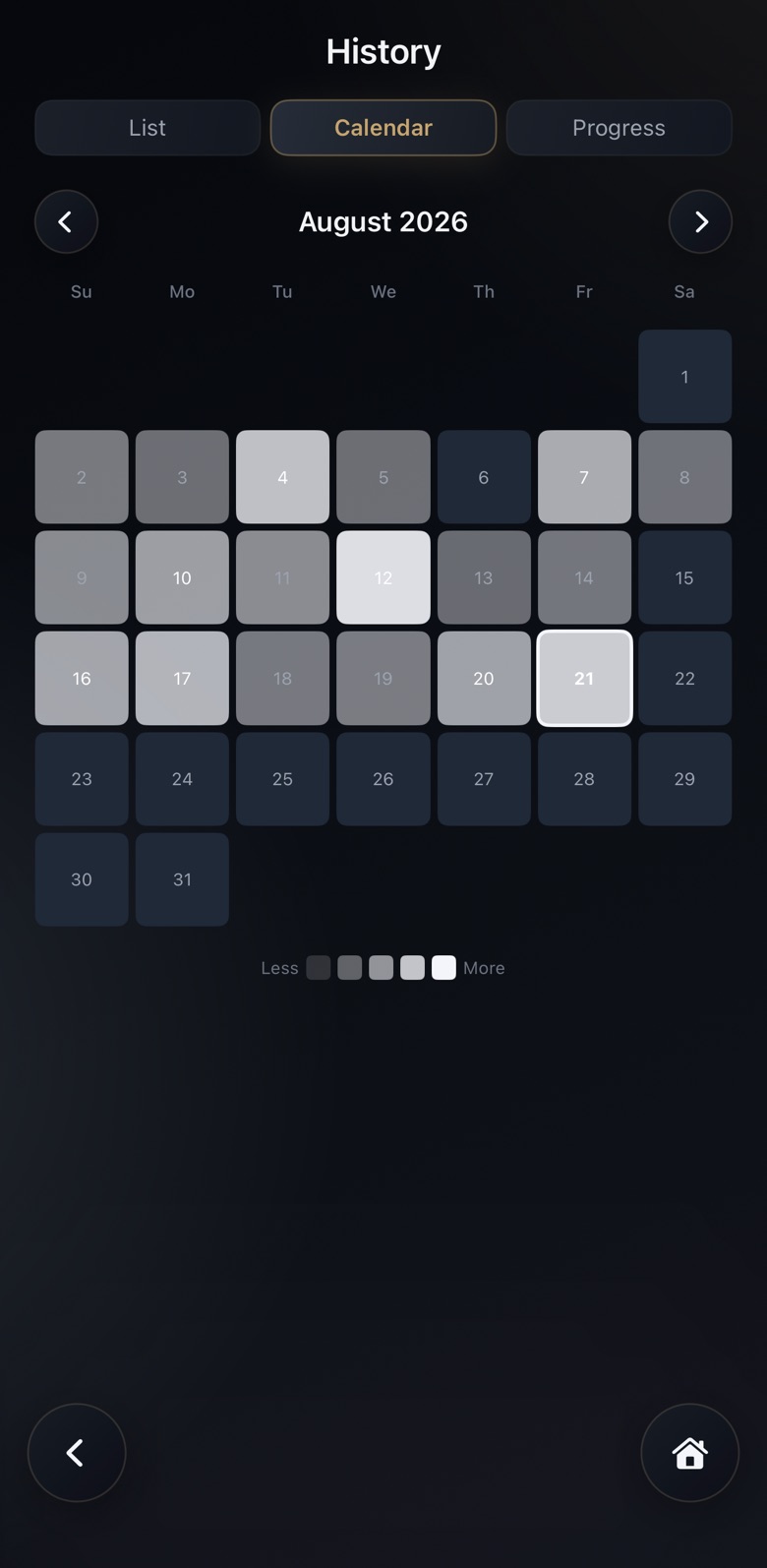
- Calendar heatmap and volume trendsPRO
Every session counts twice.
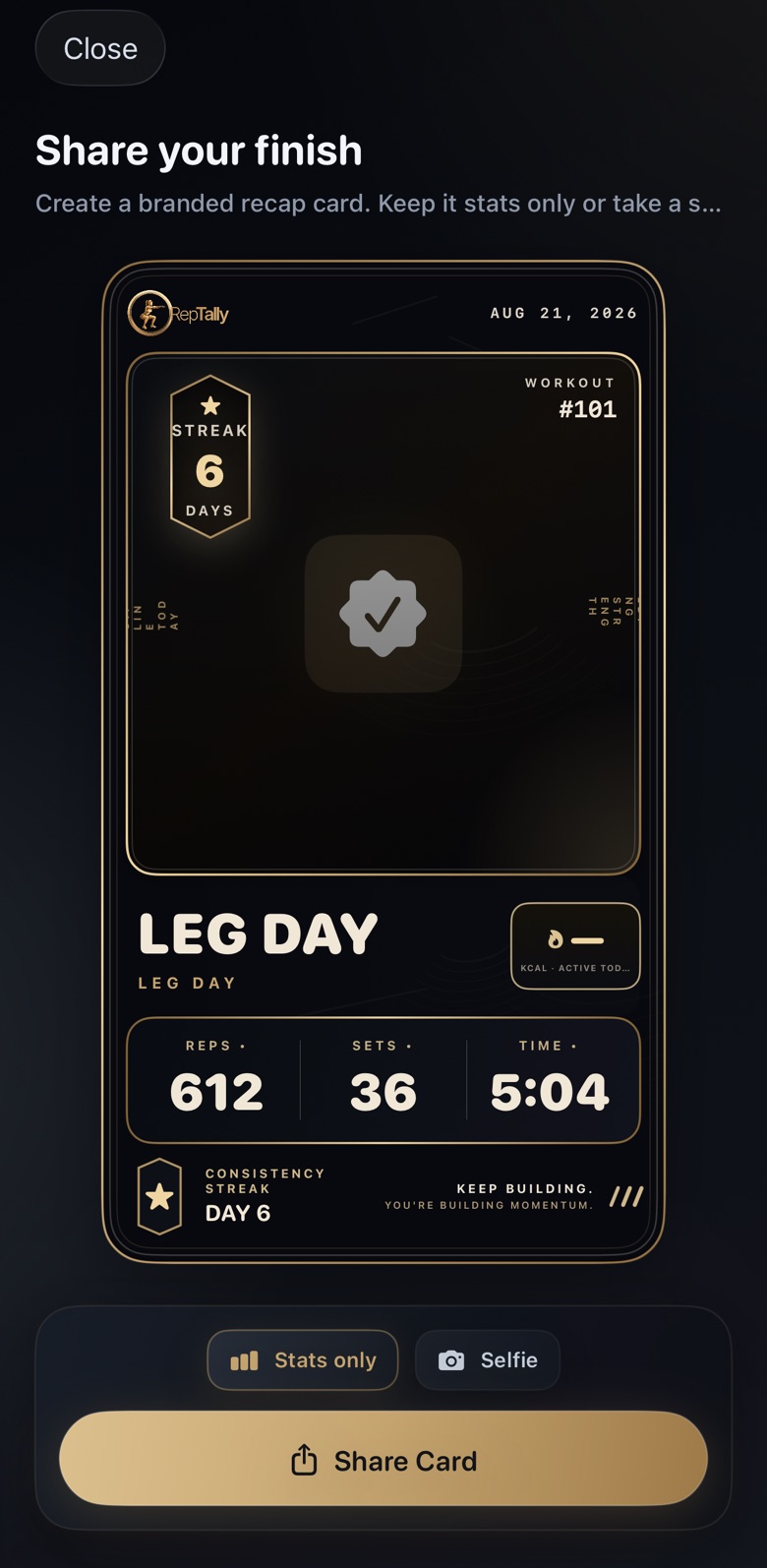
When you're done, RepTally saves the workout to Apple Health, so it counts toward your Move ring, and makes a recap card you can share.
- Apple Health sync writes your workouts and active energy
- Share card with your reps, sets and time, stats only or with a selfie
- Streaks that keep your week on track
Free & Pro
The counter is free. Pro plans your training.
No sign-up. Count, rest and log as many workouts as you like for free, and upgrade only if you want what Pro adds.
Free
Everything you need to train
- The live rep counter with a coached rest timer
- Quick Start: any exercise, any reps, right now
- Full workout history and personal records
- A share card after every workout
- Apple Health sync
Pro
For people who want a plan, not just a counter
- Daily Challenge, tuned to your goal and recovery
- Session Builder: circuits, supersets and ordered flows
- Saved sessions you can repeat in a tap
- Custom exercises of your own
- Progress charts, calendar heatmap and volume trends
US prices shown. Prices vary by country, and the app shows yours before you buy. Subscriptions renew automatically unless cancelled at least 24 hours before the end of the period, in your Apple Account settings. Lifetime is a one-time purchase and never renews.
Private by design
Your training stays on your iPhone.
- Workouts, history, profile and Health data are stored on your device
- No account, no name, no email
- No ads and no ad tracking
- Anonymous usage statistics help us improve the app. Switch them off in Settings
Support
Help
Answers to the questions people ask most. Still stuck? Email us and we'll reply within 48 hours.
Include your device model, iOS version, and what you were doing when the problem happened.
Counting
How does RepTally count my reps?
You choose how many seconds each rep takes. During a set, RepTally counts one rep every time that interval passes and marks it with a beep and a haptic. Move to the beat and the count stays in step with you, without you touching the phone.
How do I change the tempo?
When you set up a workout, adjust the seconds per rep. A slower tempo suits strength work; a quicker one suits conditioning moves like jumping jacks.
Can I count reps myself instead?
Yes. In Settings › Workout Preferences › Counting, turn on Tap Screen to Count or Volume Buttons Count Reps. Either lets you log a rep early when you move faster than your tempo. Both are off by default so a stray touch never adds a rep.
Why doesn't my next set start on its own?
Check that Auto-start Next Set is on in Settings › Workout Preferences › Counting. If you used RepTally before version 1.0.3, your earlier setting was kept, so it may still be off.
RepTally Pro
What does Pro include?
The Daily Challenge, Session Builder, saved sessions, custom exercises, progress charts, and the calendar heatmap and volume trends. The rep counter, Quick Start, history, share cards and Apple Health sync are free.
How do I restore a purchase on a new device?
Open the RepTally Pro screen and tap Restore Purchases. This works for subscriptions and Lifetime, as long as you use the same Apple ID.
How do I cancel a subscription?
In iOS Settings › your name › Subscriptions › RepTally. Deleting the app does not cancel a subscription.
Can I get a refund?
Refunds are handled by Apple, not by us. Request one at reportaproblem.apple.com.
Privacy and data
Where is my data stored?
On your device. Your workouts, history, profile and Apple Health data never leave it. RepTally sends anonymous usage statistics, which you can switch off in Settings › Data & Privacy. See the Privacy Policy for exactly what is and isn't included.
Can I export my workouts?
Yes. Settings › Data & Privacy › Export Workout Log saves your full history as a CSV file.
Troubleshooting
I can't hear the rep beep.
Check Settings › Sound & Haptics in the app, and that your iPhone isn't in Silent mode with the volume down. The haptic still marks each rep either way.
My workouts aren't showing in Apple Health.
Open the Health app, tap your profile picture, then Apps › RepTally, and make sure writing workouts and active energy is allowed.
I lost my history.
Everything is stored on the device and is removed when the app is deleted or offloaded. If iCloud Backup is on, restoring that backup brings your history back. Otherwise we can't recover it, as we don't keep a copy.